Product Development Sprints
easily run and manage
your Sprints.
Quickly prioritize and keep track of the work your team needs to be focused on week-to-week with Iterations.

Trusted by thousands of software teams






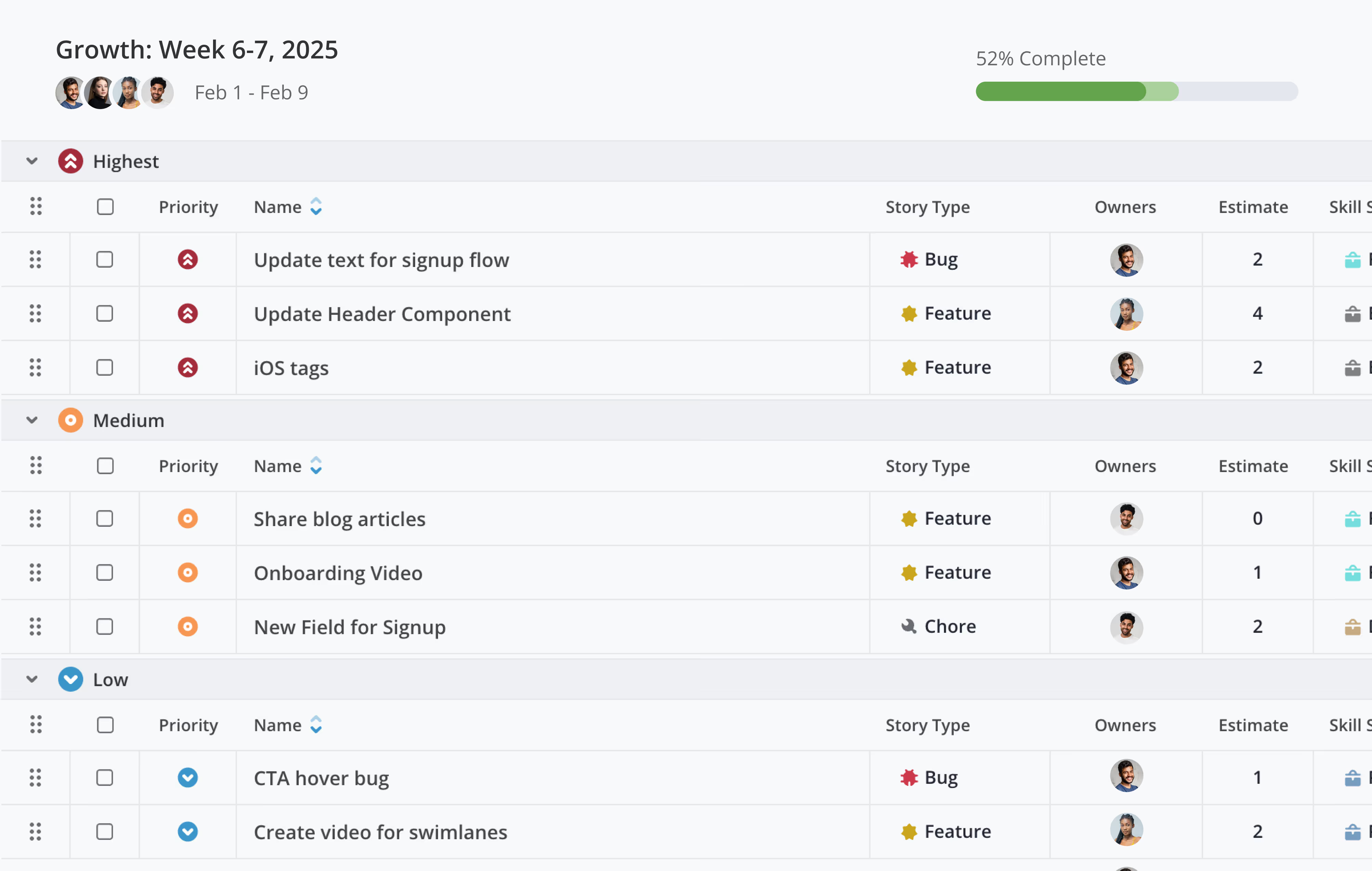
With Shortcut I easily see our sprint and what's in progress, what's in code review, if there are any comments and what's next.

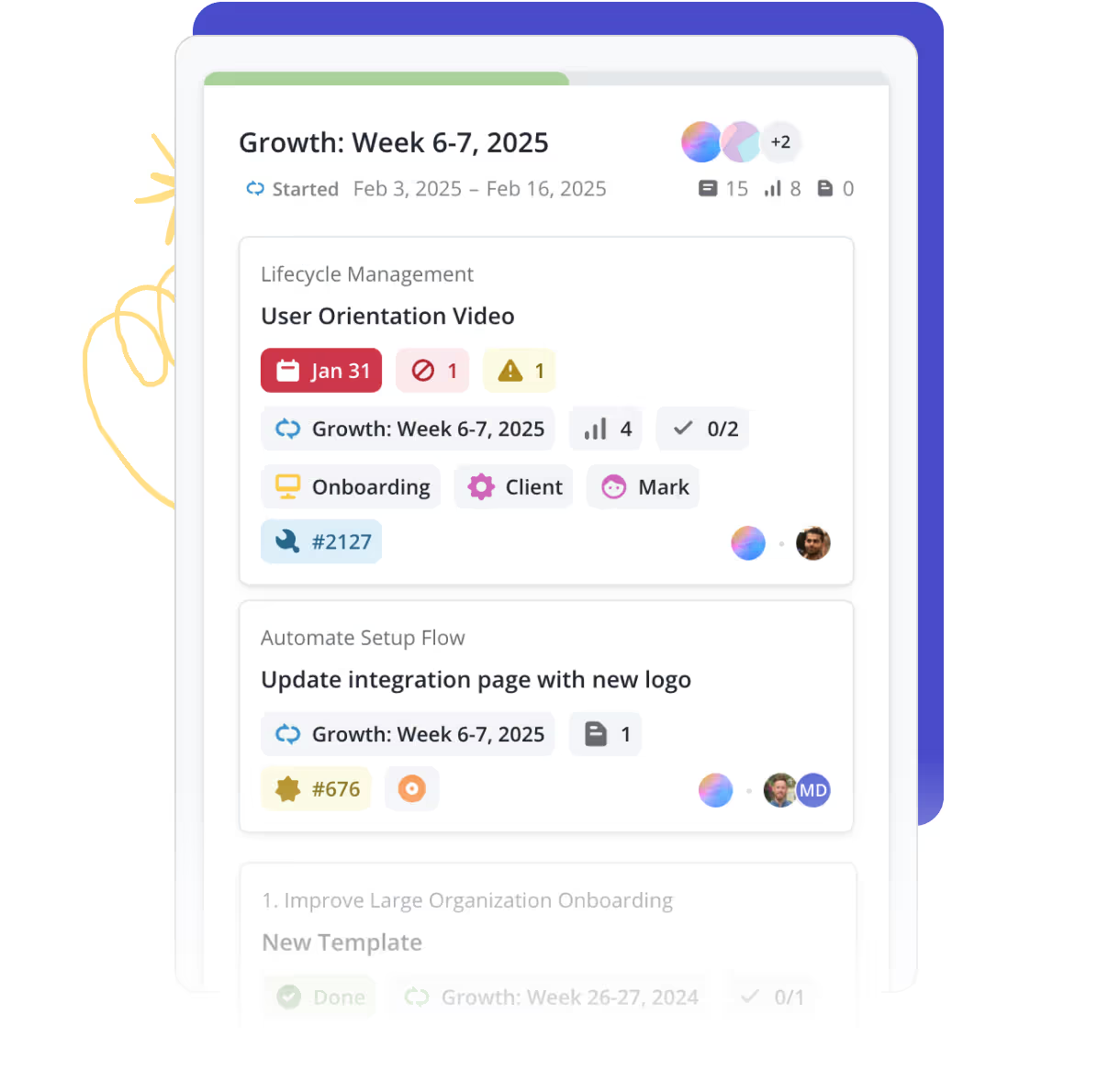
Tackle work with time-boxed iterations
Choose a time period that makes sense for your team and drag over the work you plan to do during that time. Easy as that.
- Keep teams aligned on priorities
- Reshuffle easily as plans evolve
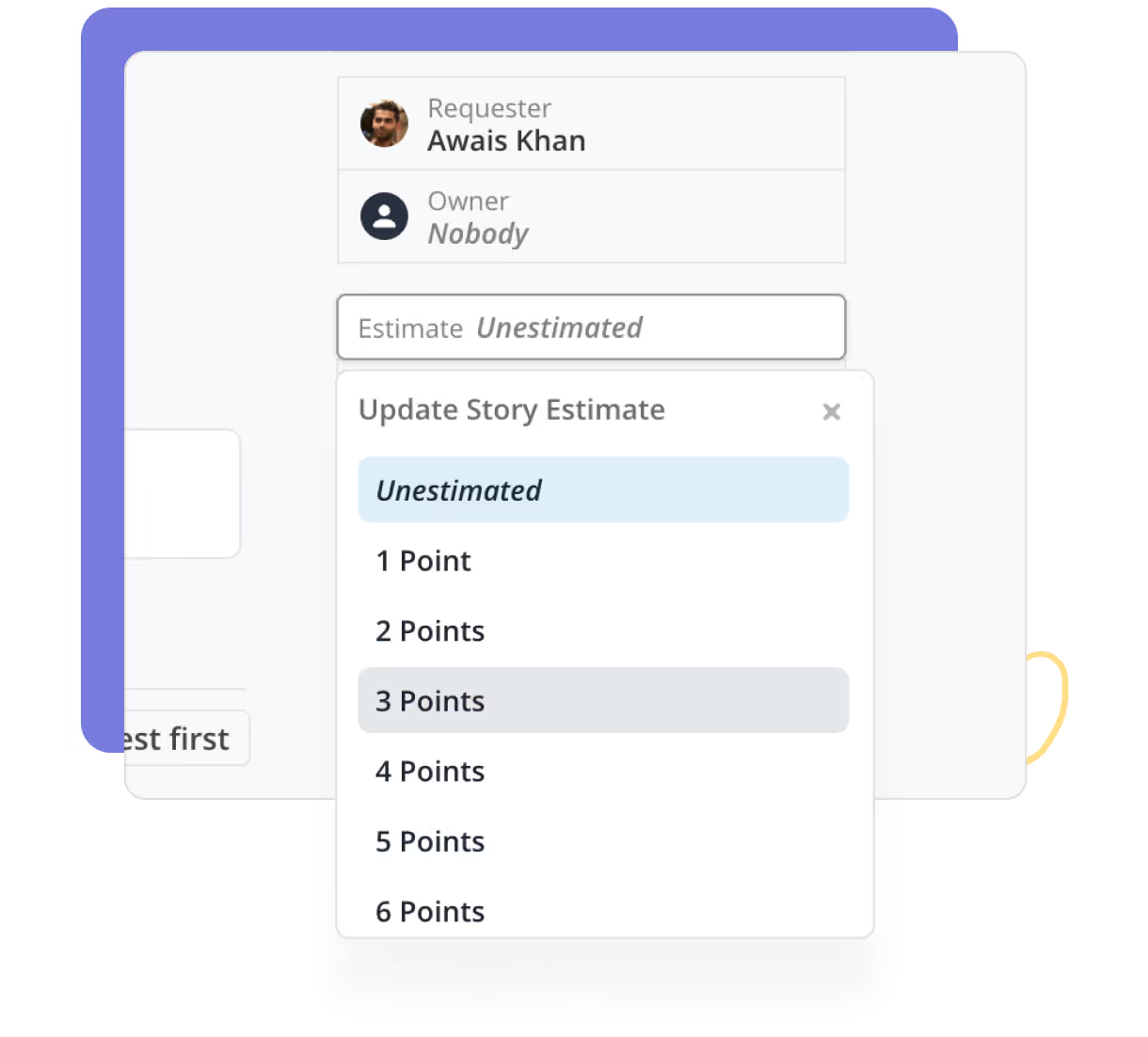
Set realistic goals
Use Story Points to determine how much work your Team can accomplish and drag other work to a backlog or to future Iterations.
- Allocate work based on capacity
- Improve predictability with data-driven planning
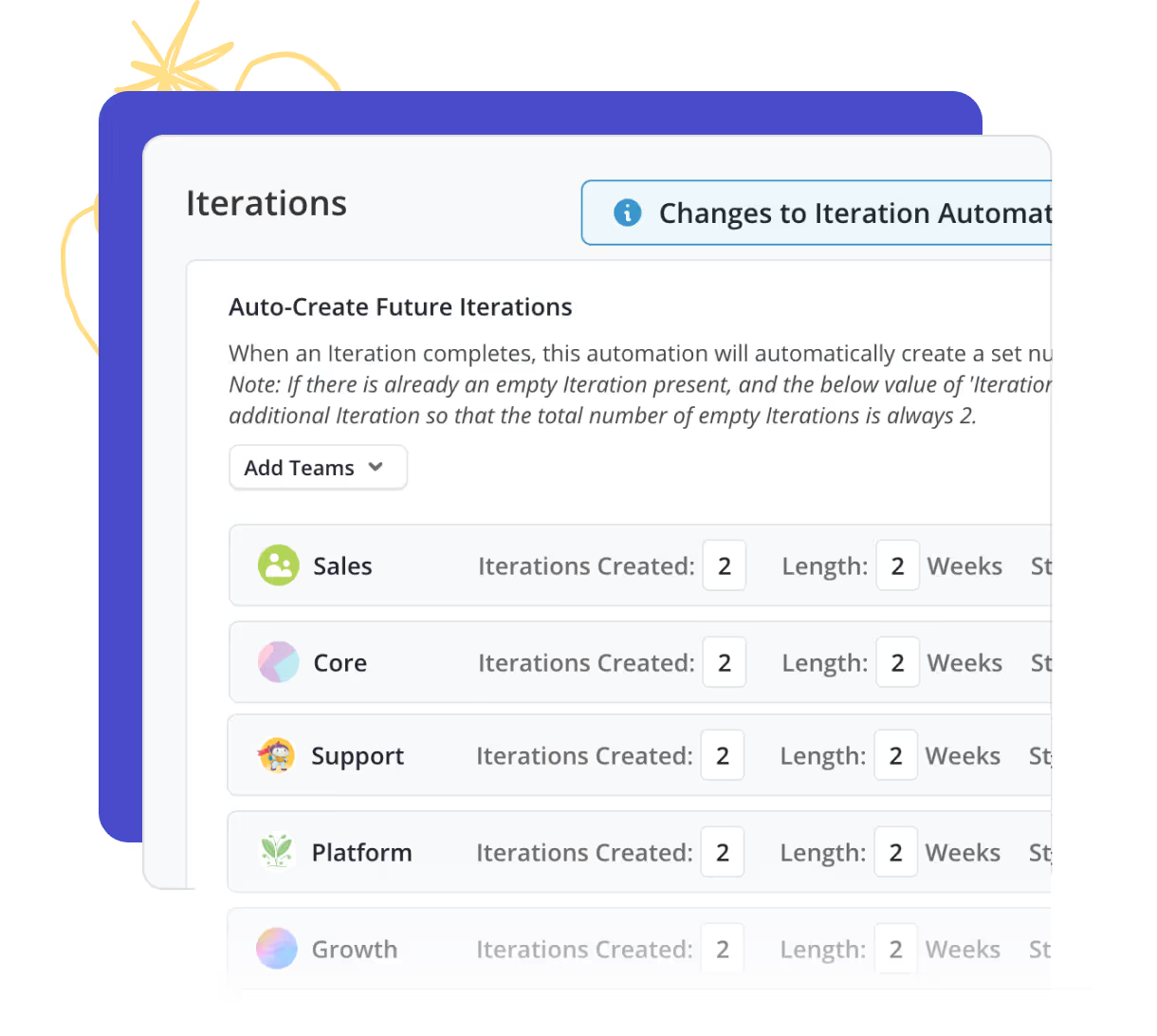
Automate the busywork
Use Automations to handle routine tasks so your team doesn't have to think about them.
- Auto-start and auto-complete an Epic
- Auto-create future iterations
- Move unfinished Stories to the next Iteration
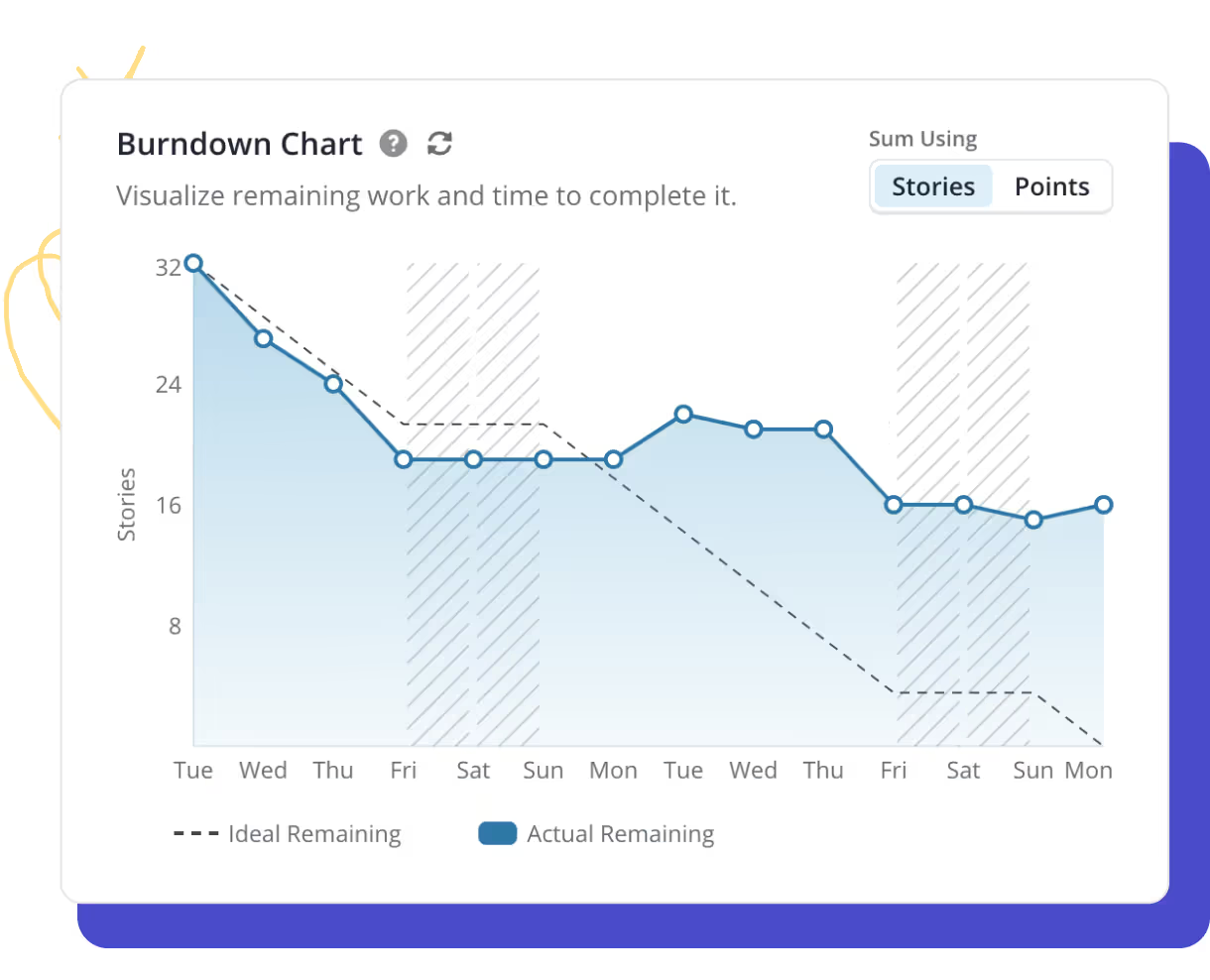
Spot trends and fix bottlenecks quickly
Each Iteration includes its own series of burndown, velocity, and other charts showing all the details on exactly how your sprint went.
- Visualize sprint progress instantly
- Easily spot blockers and optimize workflows